Widgets
Widgets: your spells, where you will see them
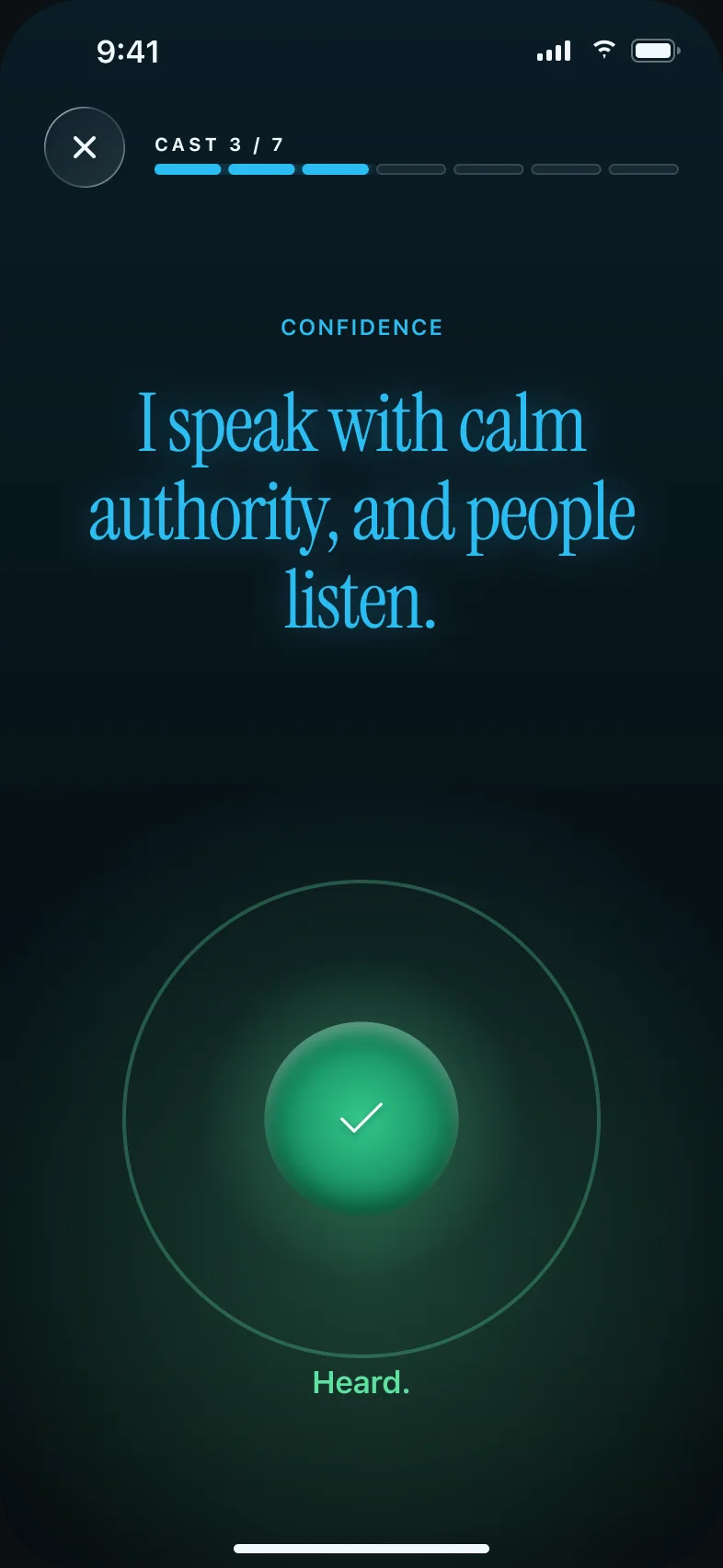
You unlock your phone many times a day. A widget makes sure one of your spells is waiting there when you do. The spell widget is in Breakout today. More widgets are on the way.
The spell widget is in the app today on iPhone. The other widgets on this page are not released yet.
Why a widget helps
The hardest part of a daily practice is remembering it at the right moment. A reminder asks for your attention once and then it is gone. A widget stays. It is part of your screen, so your spells are in front of you without anything to open or dismiss.
A widget does not replace casting. Reading a spell on your home screen is still reading. What it does is keep the words close between casts, and keep the practice one tap away.
Think about the hours between one cast and the next. That is where the old voice in your head does most of its talking. A spell on your home screen is a small interruption in your favor. You glance down for the time or a message, and the sentence you chose is there first.
The spell widget, available today
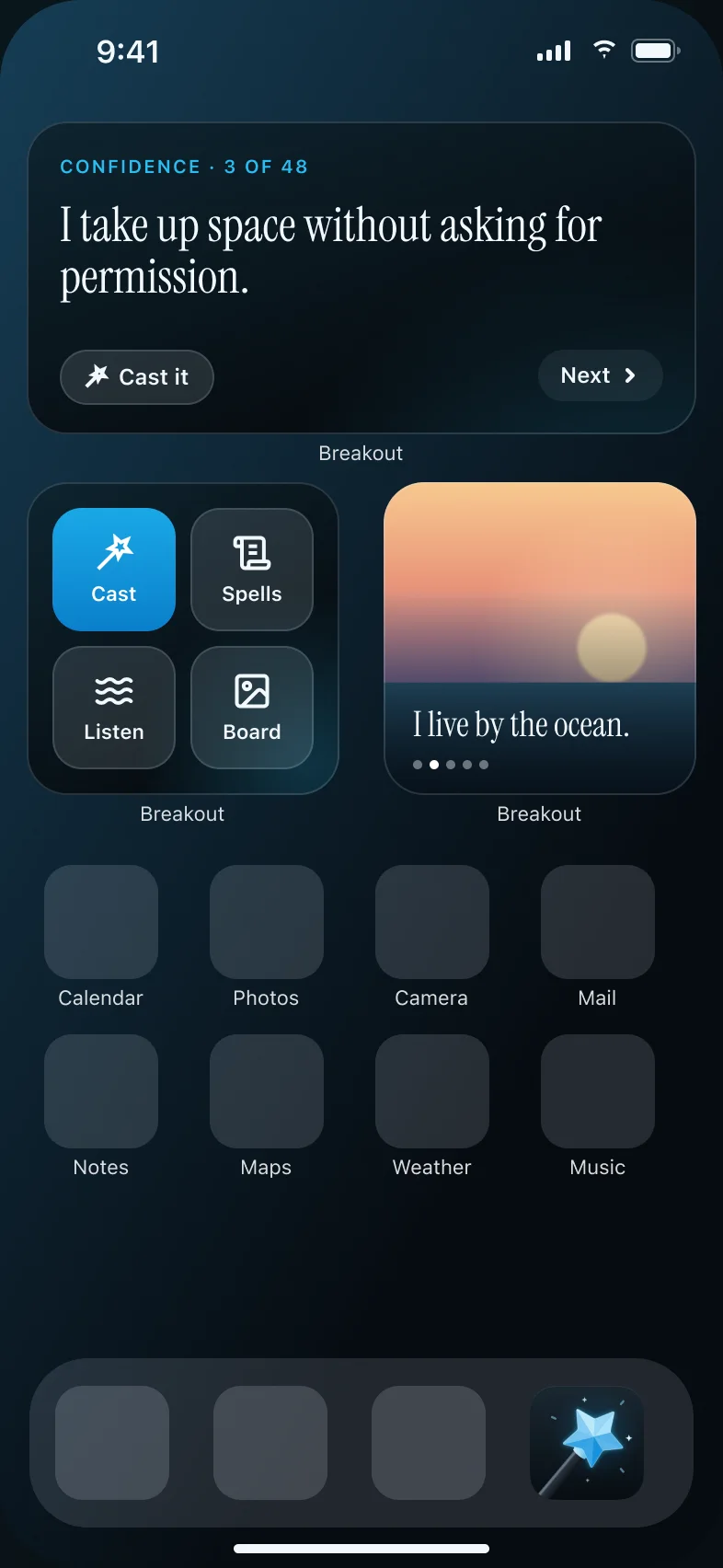
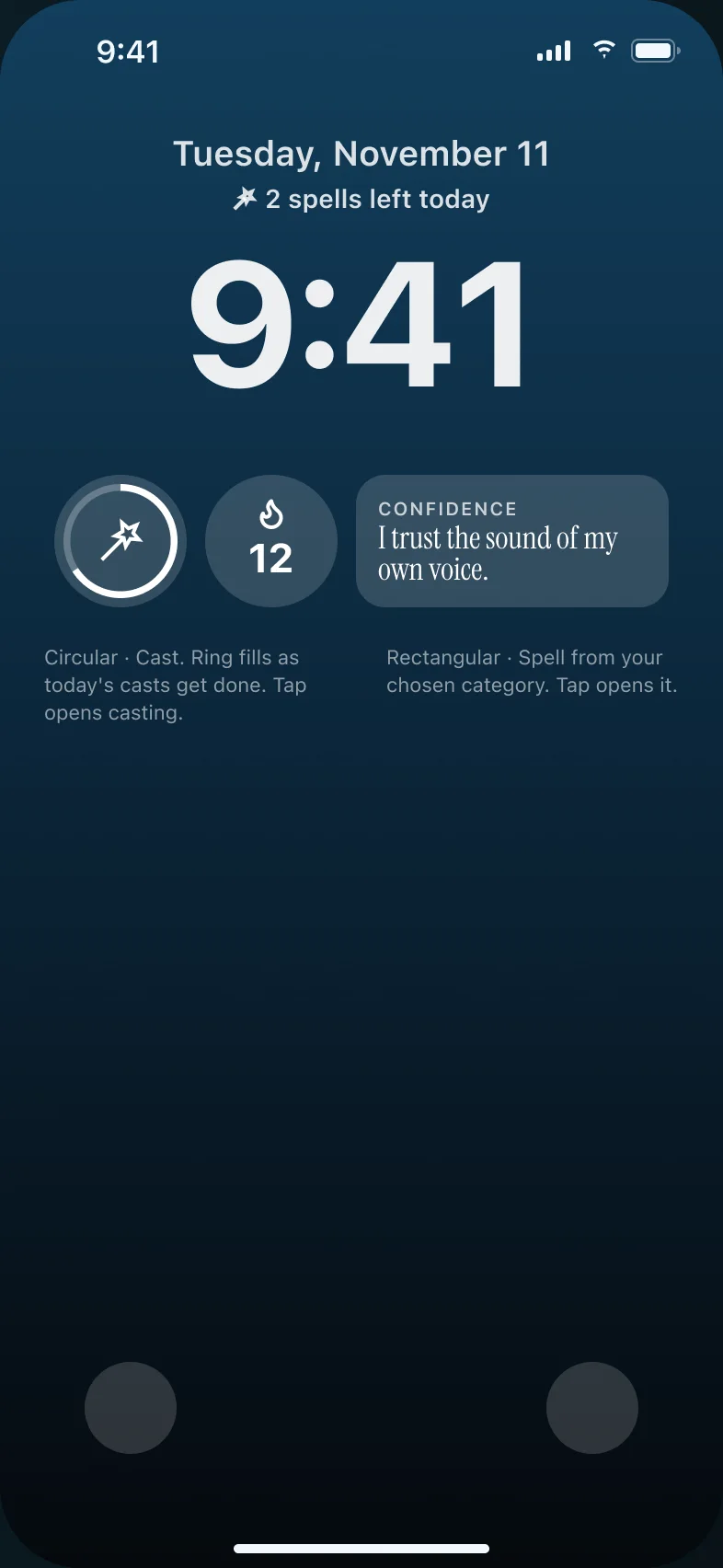
The Breakout widget shows one of your spells in calm serif type. It moves through your spells over time, so the line you see in the morning is not always the line you see at night.
- Home screen. Small, medium, and large sizes. Pick the one that fits your layout.
- Lock screen. A compact spell near the clock, visible before you unlock.
- One tap in. Tap the widget to open Breakout and cast.
Widgets are available on iPhone. They are not on Android at this time.
How to add the widget on iPhone
Home screen
- Touch and hold an empty area of your home screen.
- Tap the option to edit and add a widget.
- Search for Breakout.
- Choose a size, then add it and place it where you will see it.
Lock screen
- Touch and hold your lock screen, then tap Customize.
- Choose the lock screen and tap the widget area.
- Find Breakout and add the widget you want.
The exact wording of these steps varies a little between iOS versions. If Breakout does not appear in the list, open the app once and try again.
More widgets Coming soon
The widgets below are in development. They are not in the app yet, and the details may change before they arrive.
Streak and Cast
Soon you'll be able to add a widget that shows your current streak and whether you have cast today, with a Cast button that takes you straight into your next pack.
Quick actions
A quick actions widget will give you shortcuts into the parts of Breakout you use most, such as casting, your spells, and the audio library, in small, medium, and large sizes.
Choose your category
The spell widget will let you choose which focus area it draws from, so a widget on your work screen can show different spells from the one you see at night.
Vision board
When vision boardsarrive, you'll be able to put a board on your home screen too. Look at it, then say it.
Where to put it
- First page, top half. The widget only works if you see it. Do not bury it three swipes away.
- Next to the app you open most. Let the habit you already have carry the one you are building.
- On the lock screen for mornings. If the first thing you do is check the time, let the second be a spell.
- Read it, then say it. When a line on the widget lands, say it out loud once. That is the point of all of this.
A widget is a doorway
Seeing your spells is good. Speaking them is what changes things. Use the widget to keep the words near you, then open the app, build a spell pack, and cast it out loud. The full daily loop is in the practice.
More in Breakout
- Speak Your Spells: Say it out loud. The app listens.
- Spell Packs: One goal, cast daily.
- Mirror Talk: Cast to your own reflection.
- Streaks & Wins: Keep the daily habit alive.
- Grow With Friends: Cast together, keep going.Coming soon
- Vision Boards: See it, then say it.Coming soon
- The Practice: Speak it, hear it, repeat it.
- 369 Method: Morning, noon and night.
- Affirmation Library: 500+ spells to choose from.
- Focus & Sleep Audio: Tuned audio for focus and sleep.